Gameplay Mechanics

Master the combat and parkour systems in Dying Light: The Beast. Learn the skill tree mechanics, combat controls, and advanced parkour movements to survive and dominate the infected-infested world.

Skill Tree System

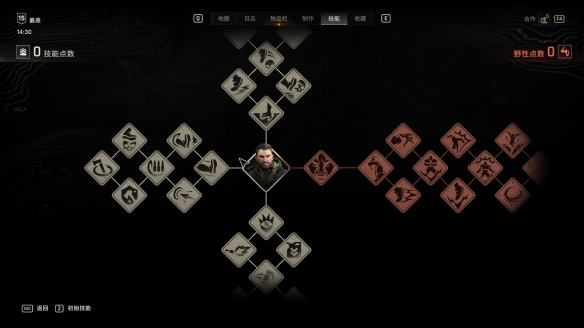
In The Beast, the developers added a beast transformation system with a dedicated enhancement method. As you progress through main quests, side quests, or explore the map, you'll find and defeat Chimeras. From them, you can extract "GSB" and inject it into Crane's body to gain corresponding "Feral Points" - skill points used to upgrade "Feral Skills". Skills in this branch can only be used in beast mode. Before unlocking the final skill in the mid-to-late game storyline, players can only activate beast transformation when the Feral Power meter is full. As for the other three skill branches, since the level cap is 15 and you earn multiple skill points per level in late game, each branch has only 7 skills. These correspond to Strength, Agility, and Survival - a streamlined fusion of the skill trees from the previous two games.
Skill Tree System - Image 1

Combat Controls

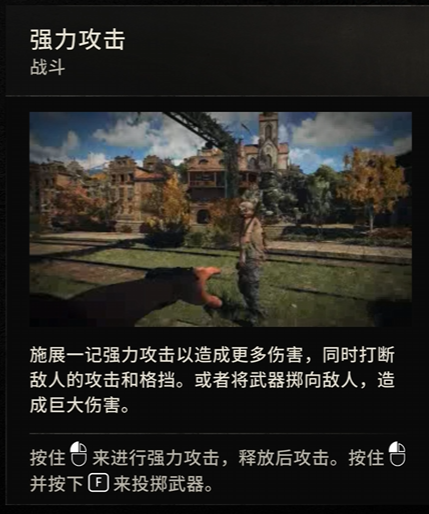
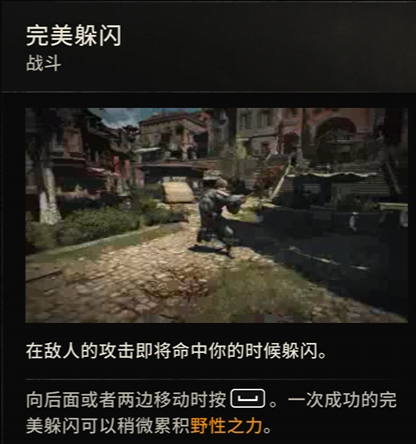
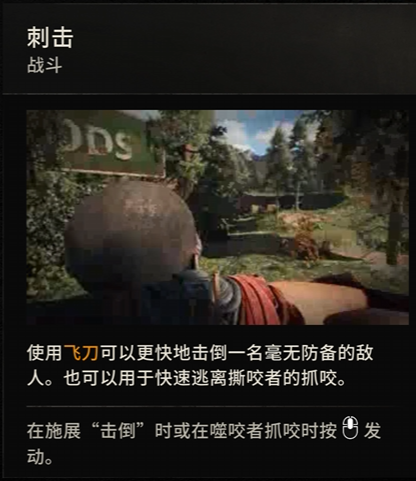
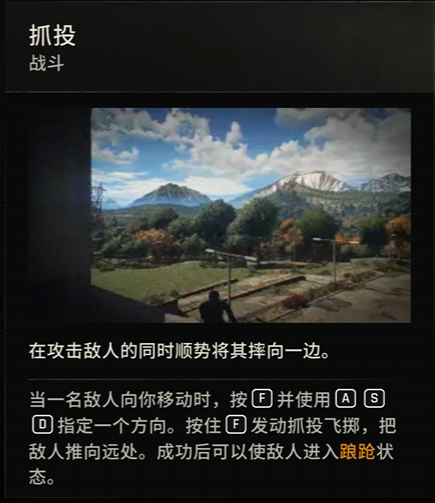
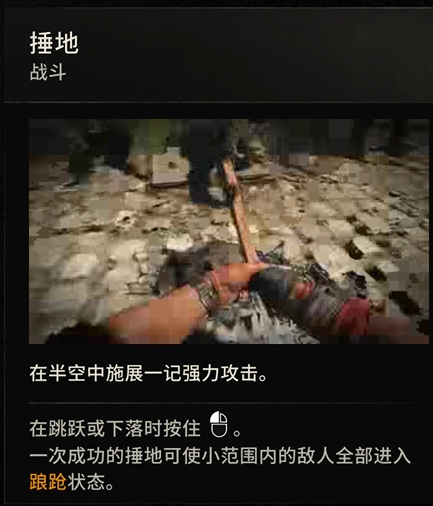
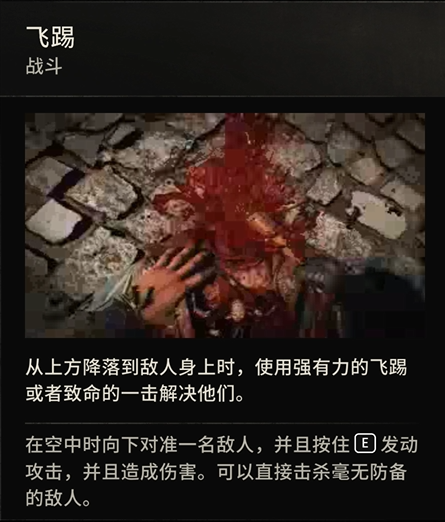
Heavy Attack: Hold Left Mouse Button to charge, then release Weapon Throw: Hold Left Mouse Button and press F Perfect Block: Press Right Mouse Button at the right moment (requires equipped weapon) Perfect Dodge: A/S/D + Spacebar Stab: Middle Mouse Button Grab & Throw: F + A/S/D Ground Pound: Left Mouse Button in mid-air Dropkick/Heavy Strike: E in mid-air
Combat Controls - Image 1
Combat Controls - Image 2
Combat Controls - Image 3
Combat Controls - Image 4
Combat Controls - Image 5
Combat Controls - Image 6
Combat Controls - Image 7

Parkour Controls

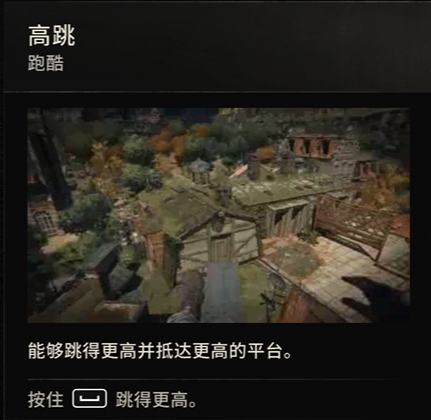
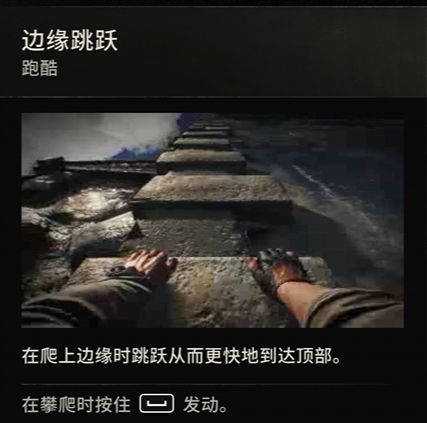
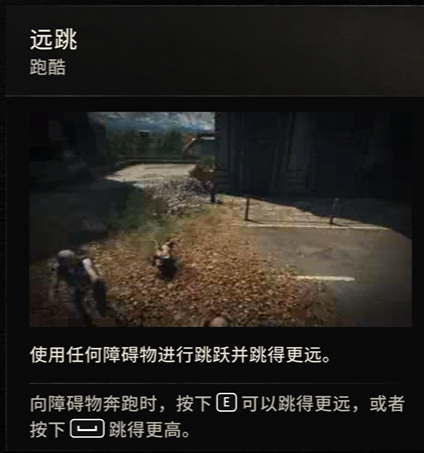
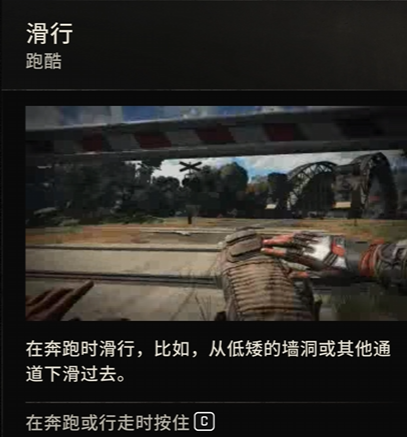
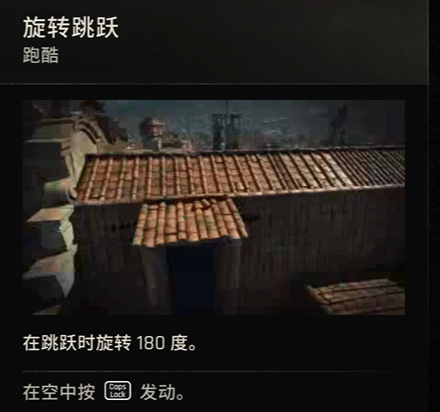
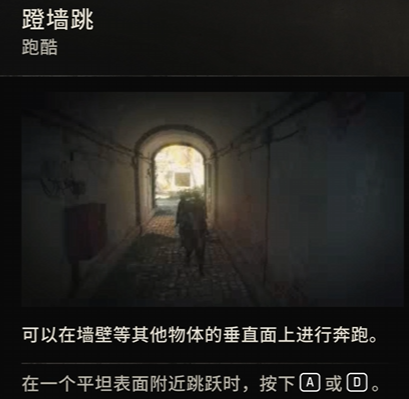
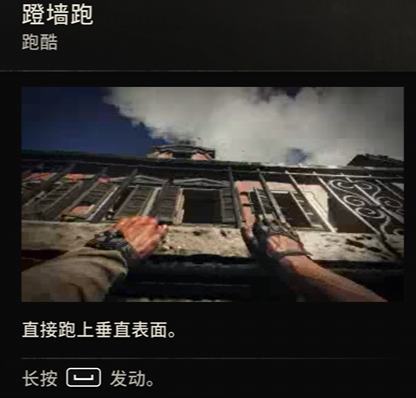
High Jump: Hold Spacebar Edge Jump/Parkour: Hold Spacebar at wall edges to activate Long Jump: When running toward obstacles, press E to jump farther or Spacebar to jump higher Slide: Hold C while running or walking Spin Jump: Press Caps Lock in mid-air to rotate 180° Wall Jump: Press A or D when jumping near a flat surface. Allows running on vertical surfaces like walls Wall Run: Hold Spacebar to activate, running directly up vertical surfaces
Parkour Controls - Image 1
Parkour Controls - Image 2
Parkour Controls - Image 3
Parkour Controls - Image 4
Parkour Controls - Image 5
Parkour Controls - Image 6
Parkour Controls - Image 7